🚀Install Our Chrome Extension
Access all Converteasly tools faster – right from your browser toolbar.

Access all Converteasly tools faster – right from your browser toolbar.
Rotate Pdf Pages
or click to browse
Select/Upload One or Multiple PDF Files.
Click On Edit Of a PDF File or Enter Angle
Click On the Generate Button To Rotate Pdf Pages.
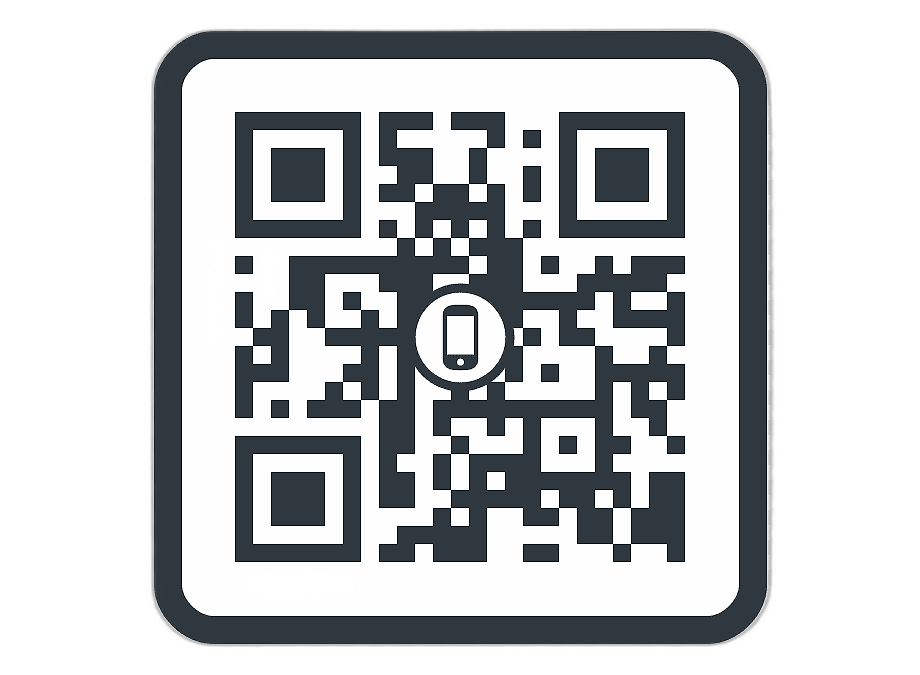
Scan the QR Code or Click Download to Access Your Rotated files

Discover various applications and scenarios where Rotate Pdf can be effectively utilized
Users often scan documents upside-down or sideways. Rotating PDF pages helps correct the orientation for proper readability and sharing.
Before printing reports, contracts, or booklets, users can rotate mixed-orientation pages to ensure a clean and consistent print layout.
PDFs containing photos, diagrams, or infographics may appear sideways. Rotation ensures visuals are displayed clearly and professionally.
Documents that require digital signatures need proper alignment. Users can rotate pages to make signing easier and more accurate.
Professionals handling invoices, contracts, or scanned documents can rotate pages to maintain consistency across multi-page PDFs.
Lecture notes, assignments, or scanned textbook pages can be rotated for better reading and annotation during study sessions.
Law firms frequently receive scanned paperwork. Rotating pages ensures legal documents are aligned correctly for review and filing.
Old scanned documents stored in various orientations can be corrected before archiving to keep records clean and readable.
Designers reviewing creative assets or logo placements in PDF form can rotate pages to inspect layouts more comfortably.
Users can fix orientation issues in personal PDFs like receipts, bills, IDs, or notes, making them easier to save and view anytime.
Follow these simple steps to get your work done quickly and efficiently

Upload Your File to the Server From MAC, PC, Mobile, etc.


Let the Server Go to Work. Most of the Files are Computed in a Few Seconds.

The Server will Provide a Link to Your Converted/Processed File.
Effortlessly transfer files from web to mobile with a single scan. No emails, no waiting - just instant results.
Experience professional-grade file conversion and editing tools without the complexity. No signups, no watermarks, no limits - just instant results.
Try Our Most Popular Tools:

Get answers to common questions about Converteasly. Learn how our free conversion tools work and how you can get the most out of them.
Convert files in seconds with our optimized processing engine
Your files are automatically deleted after processing
Works perfectly on all devices and browsers
Wide range of conversion tools for all your needs

© 2025 converteasly.com - Made with love 💕 for the people of the internet.