🚀Install Our Chrome Extension
Access all Converteasly tools faster – right from your browser toolbar.

Access all Converteasly tools faster – right from your browser toolbar.
Remove Metadata From PDF
or click to browse
Select/Upload One or Multiple PDFs Files.
Click On the Generate Button To Remove Metadata.
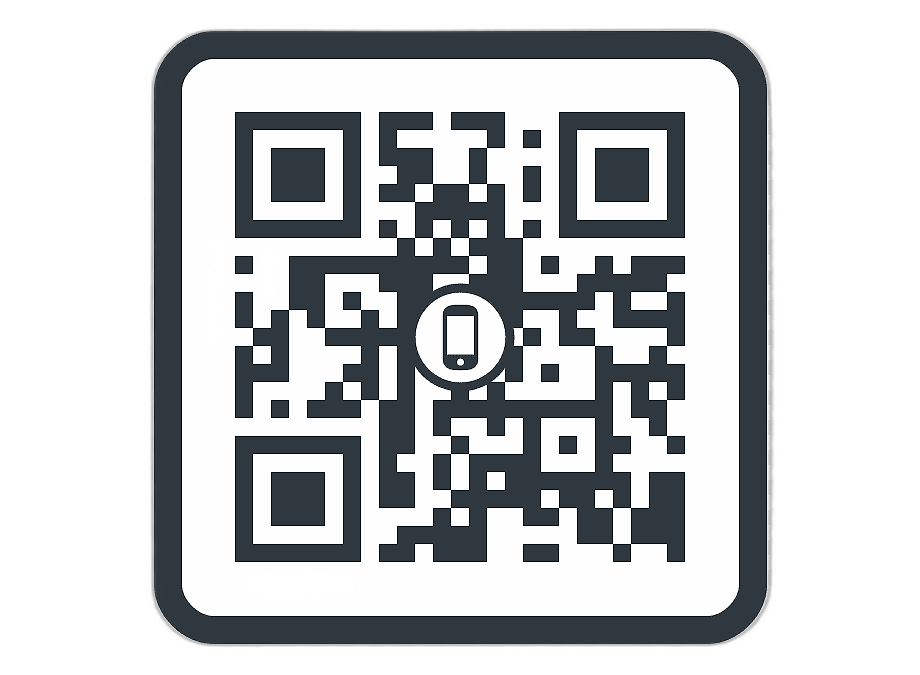
Scan the QR Code or Click Download to Access Your No Metadata PDFs files

Discover various applications and scenarios where Remove PDF Metadata can be effectively utilized
Users can remove hidden metadata such as author name, company details, software information, and creation timestamps before sharing a PDF publicly.
Organizations can clean PDF metadata before sending contracts, proposals, reports, or internal documents to clients or external partners.
Law firms and compliance teams can remove embedded metadata from legal documents to maintain confidentiality and reduce unnecessary data exposure.
Candidates can remove metadata from resumes and supporting documents to prevent revealing personal or device-related information.
Citizens and agencies can sanitize PDF files before uploading them to government portals or official document submission systems.
Researchers and students can remove metadata before submitting papers, theses, or academic documents for review or publication.
Businesses can remove internal metadata before sharing PDFs with clients, vendors, or third-party service providers.
Organizations can standardize archived PDF files by removing unnecessary metadata that may contain outdated or irrelevant information.
Users can clean metadata before uploading PDFs to cloud storage platforms to reduce exposure of hidden document details.
Individuals can remove hidden metadata from PDFs containing bills, IDs, certificates, or personal documents before sharing them online.
Follow these simple steps to get your work done quickly and efficiently

Upload Your File to the Server From MAC, PC, Mobile, etc.


Let the Server Go to Work. Most of the Files are Computed in a Few Seconds.

The Server will Provide a Link to Your Converted/Processed File.
Effortlessly transfer files from web to mobile with a single scan. No emails, no waiting - just instant results.
Experience professional-grade file conversion and editing tools without the complexity. No signups, no watermarks, no limits - just instant results.
Try Our Most Popular Tools:

Get answers to common questions about Converteasly. Learn how our free conversion tools work and how you can get the most out of them.
Convert files in seconds with our optimized processing engine
Your files are automatically deleted after processing
Works perfectly on all devices and browsers
Wide range of conversion tools for all your needs
The best tips and tricks on managing digital documents
Update PDF title, author, subject, keywords, creator details, and add custom metadata fields in a fe...
Read More >
Remove hidden details from your PDF to protect privacy, clean files before sharing, and keep your do...
Read More >
Easily convert AVIF images into universally compatible PDF documents for sharing, printing, and arch...
Read More >
Easily convert HEIC images from iPhones or iPads into universally compatible PDF documents without l...
Read More >
HEIF images are great for storage but can cause issues when sharing or submitting files. Converting ...
Read More >
you can extract a single chapter from a large book or isolate specific sections for reference or dis...
Read More >
Merge PDF functionality is helpful for compiling e-books or digital publications. Authors or publish...
Read More >
Converting PDF to text makes it easier to search for specific words, phrases, or keywords within the...
Read More >
Merge PDF functionality is helpful for compiling e-books or digital publications. Authors or publish...
Read More >
Unlocking password-protected PDFs or removing restrictions can streamline document workflows, especi...
Read More >
When sharing sensitive or confidential documents, protecting the PDF ensures that only intended reci...
Read More >
Simple steps to convert PDF to images online, at no-cost, no-registration, and no-installation neede...
Read More >
© 2025 converteasly.com - Made with love 💕 for the people of the internet.