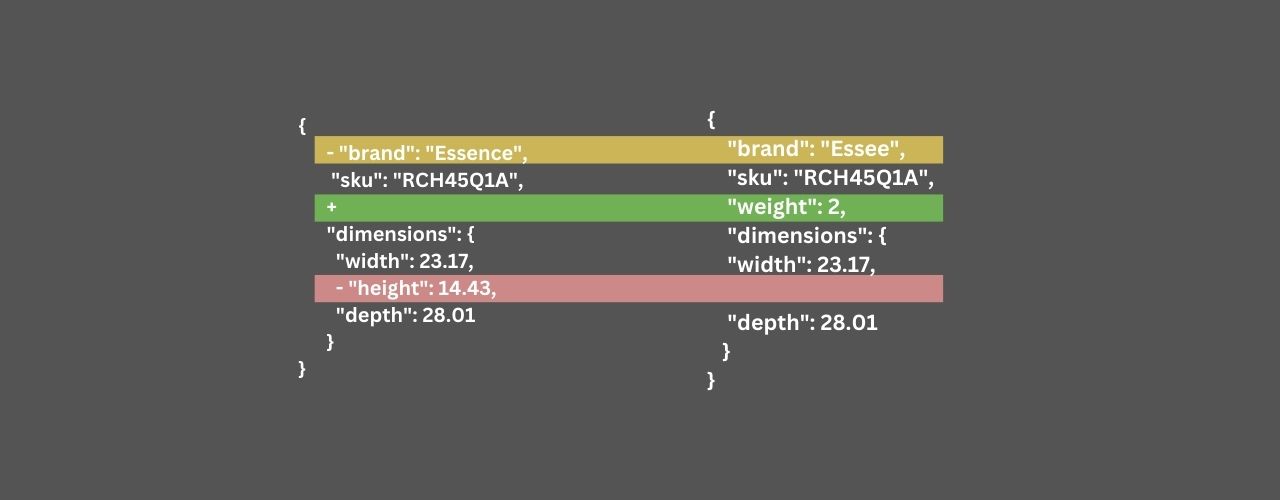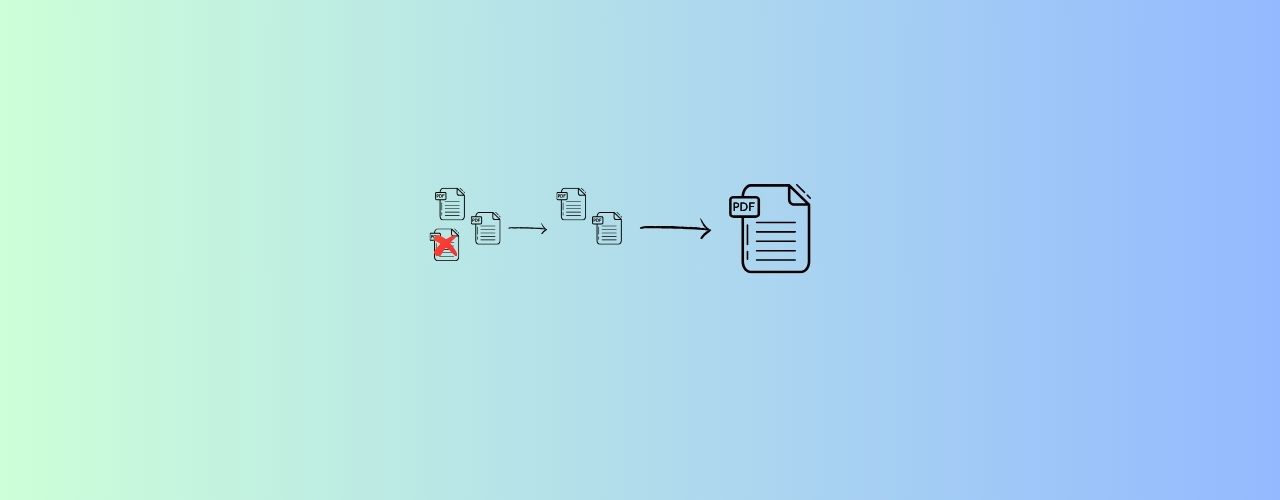
PDF metadata may look harmless, but it often contains hidden information about the author, software used, creation date, revision history, and even location details. If you are sending a PDF to a client, university, recruiter, or public portal, removing this metadata helps protect your privacy and keeps the file clean and professional.
Using the Remove PDF Metadata tool from Converteasly, you can quickly strip this hidden information without downloading any software or paying for a subscription.
Why Remove Metadata From PDF Files? 🌄
Metadata is often embedded inside a PDF even when it is not visible in the document itself. This data can include:
- Author name
- Title and subject
- Creation and modification dates
- Application used to create the file
- Keywords and document properties
- Hidden location or system information
When you share a PDF publicly or send it to a third party, this metadata may expose personal or business information unintentionally. Removing it is a smart step before distribution, archiving, or publishing.
How To Remove Metadata From PDF Using Converteasly ? 🌄
- Open the Remove PDF Metadata tool.
- Upload the PDF file from your device.
- Wait for the tool to process the document and remove embedded metadata.
- Click on the generated file to preview or download the cleaned PDF.
- Save the new version and share it safely.
You do not need to install any application or learn complicated settings. The tool is designed to keep the process quick and easy, even for first-time users.
Benefits Of Removing PDF Metadata 🙇♀️
Following are the main reasons why users choose a PDF metadata remover:
Protect privacy: Removing metadata prevents your personal details, author name, or file history from being exposed.
Improve professionalism: Clean PDFs look more polished and are safer to send to clients, customers, or institutions.
Avoid data leakage: Hidden properties may reveal system information or earlier document versions that you do not want others to see.
Prepare documents for public sharing: If you are uploading a PDF on a website, portal, or shared drive, metadata removal helps reduce risk.
Secure internal documentation: Businesses often remove metadata before sending contracts, reports, invoices, and official files externally.
Make compliance easier: In some cases, sanitizing a PDF helps reduce exposure of confidential information and supports data handling best practices.
Use Cases Of PDF Metadata Removal 🧠
This tool is useful in many real-life situations:
- Sending resumes or portfolios without exposing your private information.
- Sharing legal or contract PDFs without revealing who created or edited the file.
- Uploading official documents to government or institutional portals.
- Sending invoices or reports to clients while keeping internal metadata hidden.
- Publishing educational content or study material without personal document details.
- Cleaning PDFs before archiving to keep the file more neutral and reusable.
Final Thoughts
Removing metadata from a PDF is a simple but powerful privacy step. Whether you are sharing a file with a client, preparing a document for publication, or safeguarding personal information, the Remove PDF Metadata tool helps you do it in just a few clicks.
If you need a quick, secure, and free way to sanitize your PDF files, this tool is a reliable choice.