🚀Install Our Chrome Extension
Access all Converteasly tools faster – right from your browser toolbar.

Access all Converteasly tools faster – right from your browser toolbar.
HEIC to PDF Converter
or click to browse
Select/Upload One or Multiple HEIC Files.
Click On the Generate Button To Convert Into PDF.
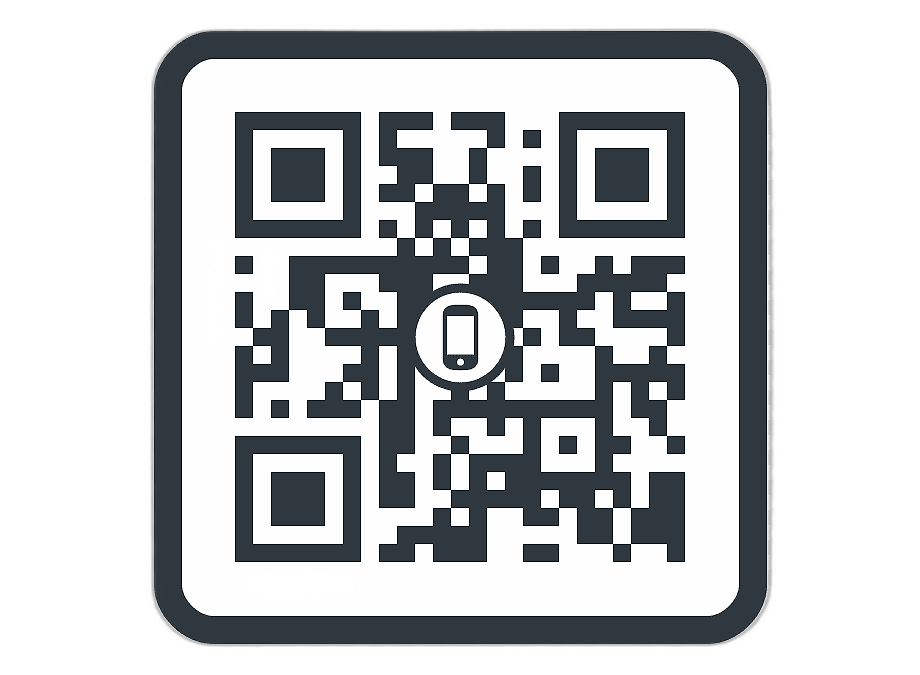
Scan the QR Code or Click Download to Access Your PDF files

Discover various applications and scenarios where HEIC To PDF can be effectively utilized
Users can convert HEIC images to PDF to easily upload, email, or submit documents that require a standard, universally accepted format.
Professionals can convert HEIC files into PDFs for reports, presentations, and documentation to ensure compatibility across all devices.
Law firms and compliance teams can convert HEIC images of proofs, IDs, or scanned pages into secure PDF files for official processing.
Students and teachers can convert HEIC notes, homework images, or scanned study material into PDFs for easy sharing and printing.
Users applying for jobs, visas, or government services can convert HEIC images to PDF to meet file format requirements of online portals.
Individuals and businesses can convert important HEIC photos like receipts, bills, IDs, and certificates into PDF for organized and long-term storage.
Designers can convert HEIC images into PDF to maintain quality while preparing visual material for review or print.
Agents can convert HEIC property photos into PDF for listing documents, brochures, or client reports in a clean, professional format.
Sellers can convert HEIC product photos into PDF for catalogs, invoices, or order confirmations shared with customers.
Users can convert HEIC images from iPhones into PDF format for easier printing, sharing, and use across non-Apple devices.
Follow these simple steps to get your work done quickly and efficiently

Upload Your File to the Server From MAC, PC, Mobile, etc.


Let the Server Go to Work. Most of the Files are Computed in a Few Seconds.

The Server will Provide a Link to Your Converted/Processed File.
Effortlessly transfer files from web to mobile with a single scan. No emails, no waiting - just instant results.
Experience professional-grade file conversion and editing tools without the complexity. No signups, no watermarks, no limits - just instant results.
Try Our Most Popular Tools:

Get answers to common questions about Converteasly. Learn how our free conversion tools work and how you can get the most out of them.
Convert files in seconds with our optimized processing engine
Your files are automatically deleted after processing
Works perfectly on all devices and browsers
Wide range of conversion tools for all your needs
The best tips and tricks on managing digital documents
Update PDF title, author, subject, keywords, creator details, and add custom metadata fields in a fe...
Read More >
Remove hidden details from your PDF to protect privacy, clean files before sharing, and keep your do...
Read More >
Easily convert AVIF images into universally compatible PDF documents for sharing, printing, and arch...
Read More >
Easily convert HEIC images from iPhones or iPads into universally compatible PDF documents without l...
Read More >
HEIF images are great for storage but can cause issues when sharing or submitting files. Converting ...
Read More >
you can extract a single chapter from a large book or isolate specific sections for reference or dis...
Read More >
Merge PDF functionality is helpful for compiling e-books or digital publications. Authors or publish...
Read More >
Converting PDF to text makes it easier to search for specific words, phrases, or keywords within the...
Read More >
Merge PDF functionality is helpful for compiling e-books or digital publications. Authors or publish...
Read More >
Unlocking password-protected PDFs or removing restrictions can streamline document workflows, especi...
Read More >
When sharing sensitive or confidential documents, protecting the PDF ensures that only intended reci...
Read More >
Simple steps to convert PDF to images online, at no-cost, no-registration, and no-installation neede...
Read More >
© 2025 converteasly.com - Made with love 💕 for the people of the internet.